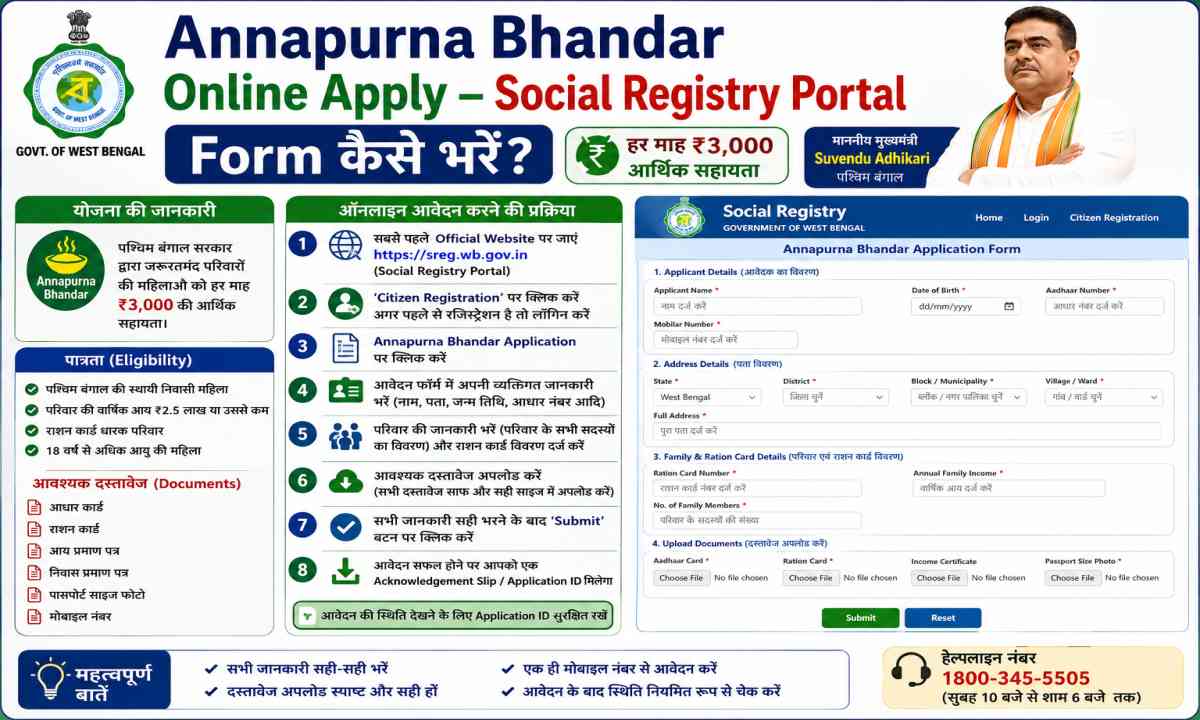
Annapurna Bhandar Online Apply – Social Registry Portal Form कैसे भरें?
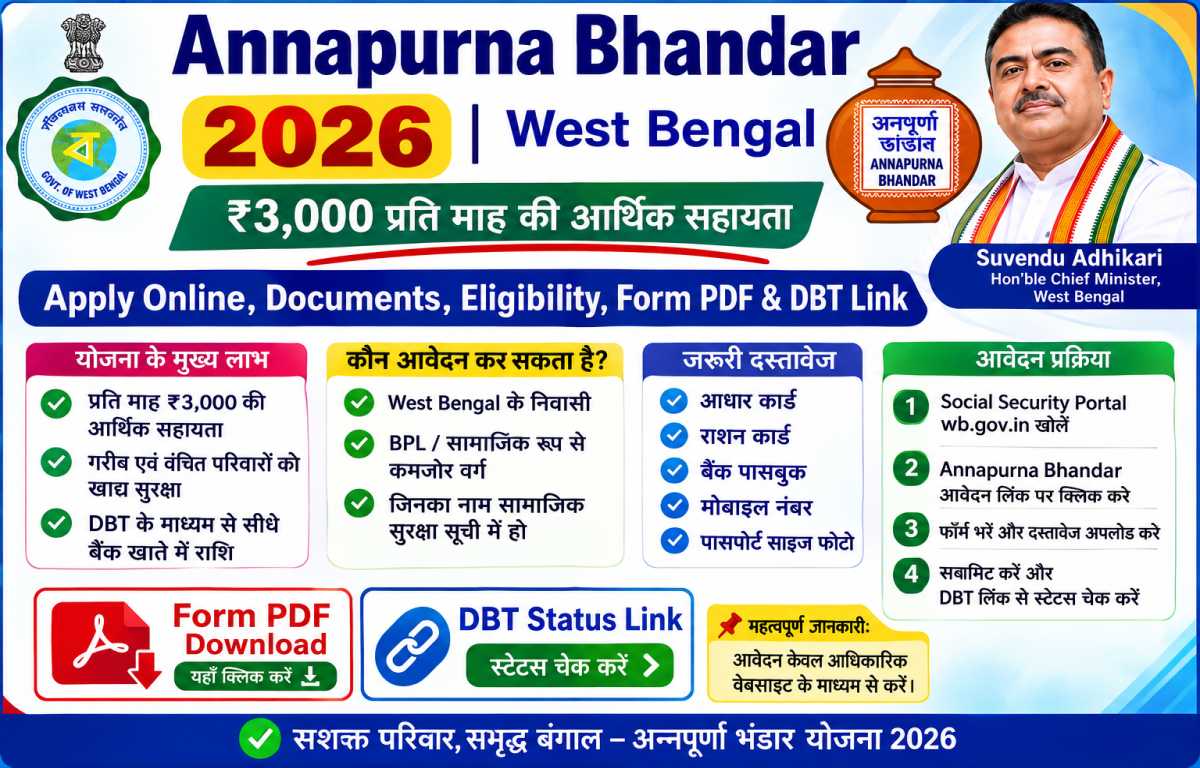
West Bengal की Annapurna Bhandar (अन्नपूर्णा योजना) — ₹3,000/month की पात्रता के लिए official Social Registry Portal पर पूरा family form भरने की सटीक step-by-step process। Login से लेकर final Submit तक, हर phase समझिए बिना किसी error के।
WB Social Registry Portal
Annapurna Bhandar की official Family Data Collection Portal — यहीं से online form भरा जाता है। District + Mobile + OTP से login होता है और पूरा form 6 phases में भरा जाता है।
Ration / FoodWBPDS Portal
West Bengal Public Distribution System — digital ration card details, FPS locator और PDS services। Ration card data form me bhi chahiye hota hai।
Form भरने से पहले — Prerequisites & Required Documents
Online apply से पहले ये documents clear scanned copies (PDF/JPEG) में ready रखें:
- Aadhaar Card — Active हो और OTP के लिए mobile number से linked हो।
- Voter ID (EPIC) — Residency और assembly constituency verify करने के लिए।
- Bank Passbook — Front page: नाम, account number, IFSC। नाम identity proof से bilkul match होना चाहिए।
- Digital Ration Card — Household size और structure verify करने के लिए।
- Passport-size Photo — Clear और recent photo।
- Active Mobile Number — OTP और application tracking alerts के लिए।
Form Fill-up Guide – सभी 6 Phases एक नज़र में
पूरा form family level पर भरा जाता है। Hindi/English जानकारी वाला कोई भी व्यक्ति इन phases को इसी क्रम में follow करें।
Portal Access & Login
Official portal खोलें, 'Public Access (Citizen / Family Login)' / 'Access Citizen Portal' चुनें। District select करें, mobile number और CAPTCHA डालें, फिर Request OTP पर 6-digit code भरकर Verify & Continue दबाएं।
Family Profile तैयार करना (Head of Family)
Family Data Collection interface के तीन stages: Head of Family, Add Member, Declaration & Consent।
- HOF बनाएं — household का senior-most/primary member (grandfather, grandmother, mother या father)।
- बाकी सभी members को Add Member button से एक-एक करके जोड़ें।
Data Entry – 5 Sections
HOF की details पहले, फिर added members के लिए repeat करें:
- 1. Basic & Identity: Aadhaar के अनुसार पूरा नाम, DOB, gender, category (General/SC/ST/OBC), Aadhaar-linked mobile, disability status, Aadhaar number + upload (संस्कृत format जैसा ही रखें)।
- 2. Demographics, Address & Voter ID: Permanent address, Rural/Urban, Pincode → Police Station → Block/Municipality → GP/Ward dropdown, EPIC number, Assembly Constituency, Part Number (अंश नं.) + Voter ID upload। हर section के बाद Save Draft दबाएं।
- 3. Socio-Economic & Assets: Digital ration card (Yes + AAY/PHH/SPHH/RKSY type + card number), pucca house (3+ rooms) Yes/No, land holding (Decimals में), four-wheeler (registration number), health insurance (Swasthya Sathi + URN)।
- 4. Income, Education & Post: Income tax/PA N card (Yes to PAN number), family annual income, employment type, education level, constitutional post/pension/GST declarations। Save Draft → Next।
- 5. Statutory Updates: CAA application status (Not Applicable / Applied / Issued) और SIR 2026 Tribunal status। सामान्य case में दोनों पर Not Applicable रखें। Save Draft → Next।
Government Scheme Linkage (जरूरत से ज्यादा attention दें)
Eligible female member के लिए: "Are you applying for Annapurna Yojana?" → Yes, I am Applying चुनें। Agar existing DBT benefits हैं तो Yes करें और scheme list से Swasthya Sathi, Lakshmir Bhandar जैसी schemes add करें।
Children के लिए Additional Rules
Child members के लिए asset, tax और voter fields skip करें। Mandatory school enrollment section: Grade/Class, School Name, Government/Private status। साथ ही vaccination status — Yes या Not Vaccinated।
Review & Final Submission
सभी members की profiles complete दिखें (clear status indicators), तब अंतिम Declaration & Consent block में terms पढ़ें, authorization box check करें और Submit Application दबाएं। Family details state registry में verification के लिए जाती हैं।
Guide में Quick Help
किसी step पर अटक गए? नीचे search करें या expand करके सीधा जवाब पाएं।
Login & OTP नहीं हो रहा?
District dropdown से sahi district chunen, mobile number 10 digit ka ho, CAPTCHA bilkul waisa hi type karein jaisa screen par dikh raha hai. OTP 6-digit hota hai aur expiry ke liye turant verify karein.
Apply Portal ↗Google SearchHOF और Add Member कैसे करें?
HOF को senior-most member (grandfather/grandmother/mother/father) banayein. 'Add Member' se har family member ki entry alag se hoti hai. Har member ki details HOF ke baad repeat hoti hain.
Google SearchVoter ID (EPIC) और Part Number कहां से?
EPIC number Voter ID card par likha hota hai. Part Number (अंश नं.) election ke waqt milne wali voter slip par hota hai ya final electoral roll/voter list se match karke dekh lein.
Google SearchAssets section में क्या-क्या भरना है?
Ration card (AAY/PHH/SPHH/RKSY), pucca house 3+ rooms (Yes/No), land holding decimals में (Yes hone par total area), four-wheeler (Yes पर registration number) और health insurance (Swasthya Sathi URN)।
Google SearchIncome, PAN और Education section
Income tax payer hai to Yes + PAN number। Family का total annual income (all members, all sources) भरें। Employment type, education level, constitutional post/pension/GST registration declare करें।
Google Search"Opt out" option क्या है? (जरूरी)
Scheme linkage section में 'Are you applying for Annapurna Yojana?' पर Yes chunen aur existing DBT schemes (Swasthya Sathi, Lakshmir Bhandar) add karein. 'Want to opt out' ko हमेशा NO रखें — Yes karne par aapke existing payments band ho jayengi।
Google Searchबच्चों के लिए form कैसे भरें?
Child members ke liye asset/tax/voter fields skip। School section me Grade/Class, School Name aur Government/Private चुनें। Vaccination status me Yes या Not Vaccinated mark karein।
Google SearchCAA और SIR 2026 status क्या चुनें?
CAA application status: Not Applicable / Applied / Issued। SIR 2026 Tribunal status: agar aapka naam registry me sahi hai aur koi pending tribunal/deletion dispute nahi hai to Not Applicable चुनें।
Google SearchSubmit और Reference Number
हर phase के बाद Save Draft दबाते रहें। अंत में Declaration & Consent के terms पढ़ें, authorization box check करें और Submit Application दबाएं। Mile waala Reference Number SMS के साथ तुरंत save करें।
Google SearchDocument upload error आ रहा है?
File format JPG/PNG/PDF और size 50 KB–200 KB के बीच हो। बड़ी file compress/convert कर लें। Successful upload पर green checkmark दिखना चाहिए।
Google Searchराशन कार्ड (WBPDS)
Digital ration card details assets section ke liye chahiye hoti hain। WBPDS portal par ration card, FPS locator और PDS services official taur par available hain।
Official WBPDS ↗Google SearchForm भरने में मदद कहां मिलेगी?
पास का Duare Sarkar camp या BDO/SDO office form भरवाने में मदद करता है। Cyber café से भी bhara ja sakta hai — par form FREE है, किसी agent को पैसा न दें।
Official Camp ↗Google SearchForm Fill-up – Key Highlights
याद रखने लायक जरूरी बातें:
Login → Family Profile → Data Entry (5 sections) → Scheme Linkage → Children → Review & Submit। इसी क्रम में चलें, कोई phase skip न करें।
Har section ke baad Save Draft दबाएं — typos/system error की स्थिति में भी data सुरक्षित रहता है और आप आगे बढ़ सकते हैं।
Name, DOB — सब कुछ Aadhaar के हिसाब से। Bank passbook का नाम भी identity proof से exact match होना चाहिए, वरना payment fail होता है।
'Want to opt out' को NO रखें। Yes चुनने का मतलब है अपनी existing scheme payments खुद बंद करवाना।
Aadhaar और Voter ID की scan copy JPG/PNG/PDF में 50 KB–200 KB रखें। उससे बड़ी file upload नहीं होगी।
Submit के बाद मिलने वाला Application Reference Number SMS के साथ जरूर note करें — status check इसी से होगा।
Related Schemes
Annapurna Bhandar Online Form क्या है?
Annapurna Bhandar (Annapurna Yojana) का online application अब individual नहीं, बल्कि family-level par socialregistry.wb.gov.in पर भरा जाता है। पूरा household एक Head of Family (HOF) के तहत centralized tracking database में map होता है। ₹3,000/month benefit पाने के लिए eligible female member की entry के साथ family की saari information देनी पड़ती है। यह guide आपको घर बैठे (या cyber café से) बिना error के पूरा form भरने में मदद करती है।
Frequently Asked Questions
Annapurna Bhandar online form कहां भरा जाता है?
Official West Bengal Social Registry Portal — socialregistry.wb.gov.in पर। Homepage से 'Public Access (Citizen / Family Login)' / 'Access Citizen Portal' चुनकर district + mobile + OTP से login करें।
OTP verify नहीं हो रहा, क्या करें?
District sahi चुनें, mobile number active हो, CAPTCHA ekdum screen जैसा लिखें और OTP 6-digit code receive होते ही जल्दी verify करें। बार-बार try से नए OTP के लिए थोड़ा wait करें।
पूरा form एक साथ भरना जरूरी है?
नहीं। हर section के बाद Save Draft दबाते रहें — data saved रहता है और आप कभी भी login करके आगे बढ़ सकते हैं। Final submit सभी members की details complete होने पर करें।
Kya पुरानी Lakshmir Bhandar वालों को नया form भरना पड़ेगा?
अधिकांश verified beneficiaries का automatic migration होता है। फिर भी kisi bhi family member के लिए portal पर entry/pending update करनी पड़ सकती है — state की official announcement के हिसाब से verify करें।
Submit के बाद पैसा कब मिलेगा?
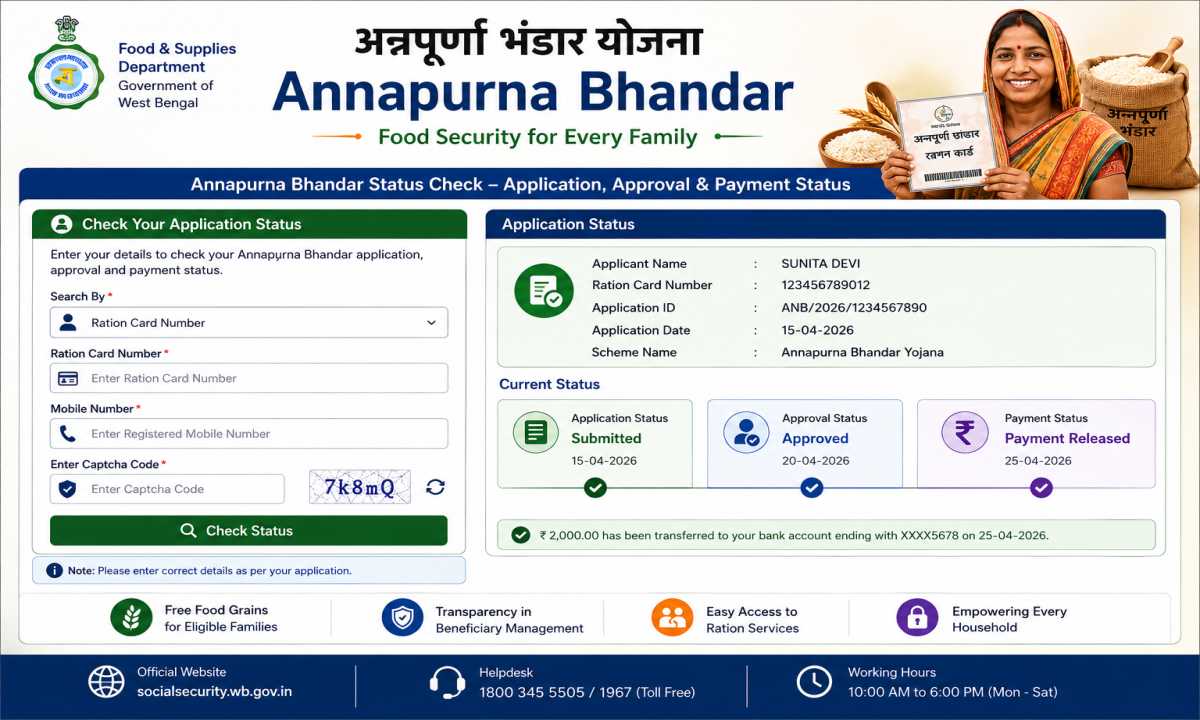
पहले application verify होता है (status pending → approved)। फिर DBT से ₹3,000/month Aadhaar-linked bank account में। Payment 1–2 दिन की delay के साथ credit होती है और bank से SMS आता है।
क्या Apna Vibhag सरकारी website है?
नहीं। Apna Vibhag एक independent informational website है। Form केवल सरकारी portal socialregistry.wb.gov.in पर भरें और अपने official records वहीं verify करें।